DocsGet started
Quickstart
From a new account to your first API call: top up, deploy a model, wait for Ready, create a key and send a request.
Sign in
Open the sign-in page, tick the box to agree to the Terms of Service and Privacy Policy, and continue with Google, X, a passkey or a wallet. Signing in for the first time creates your account, with a welcome discount on your first deploys.
Top up your balance
Open Billing and send USDC to your personal deposit address on any of the listed networks. The balance updates after the network confirms the transfer, usually within a minute or two. A deploy needs enough balance for at least an hour of the instance.
Deploy a model
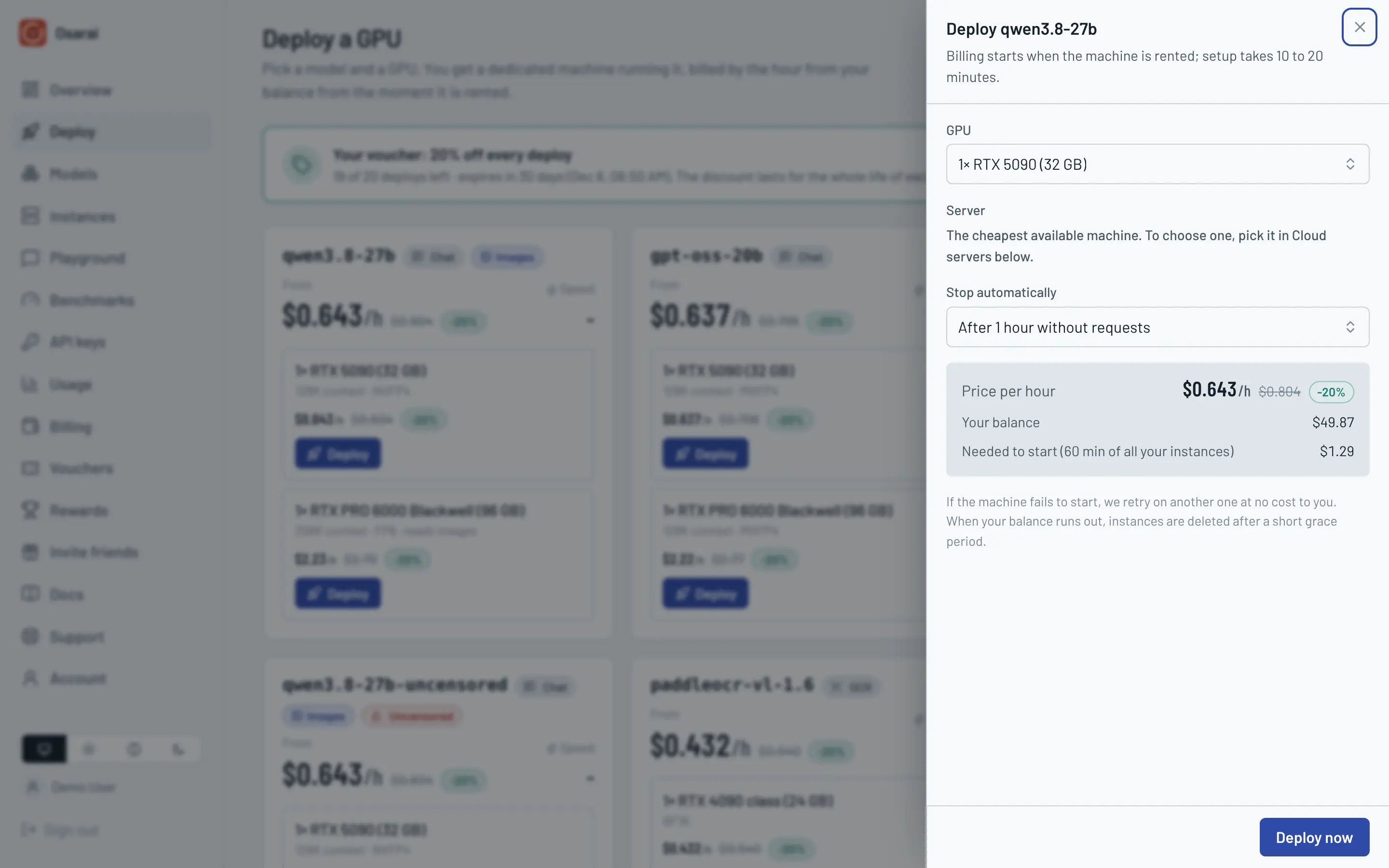
Open Deploy, pick a model and a GPU, and press Deploy. For coding agents, start with Qwen3.8 27B on an RTX 5090: it calls tools reliably and has a 128K context.
Wait for Ready
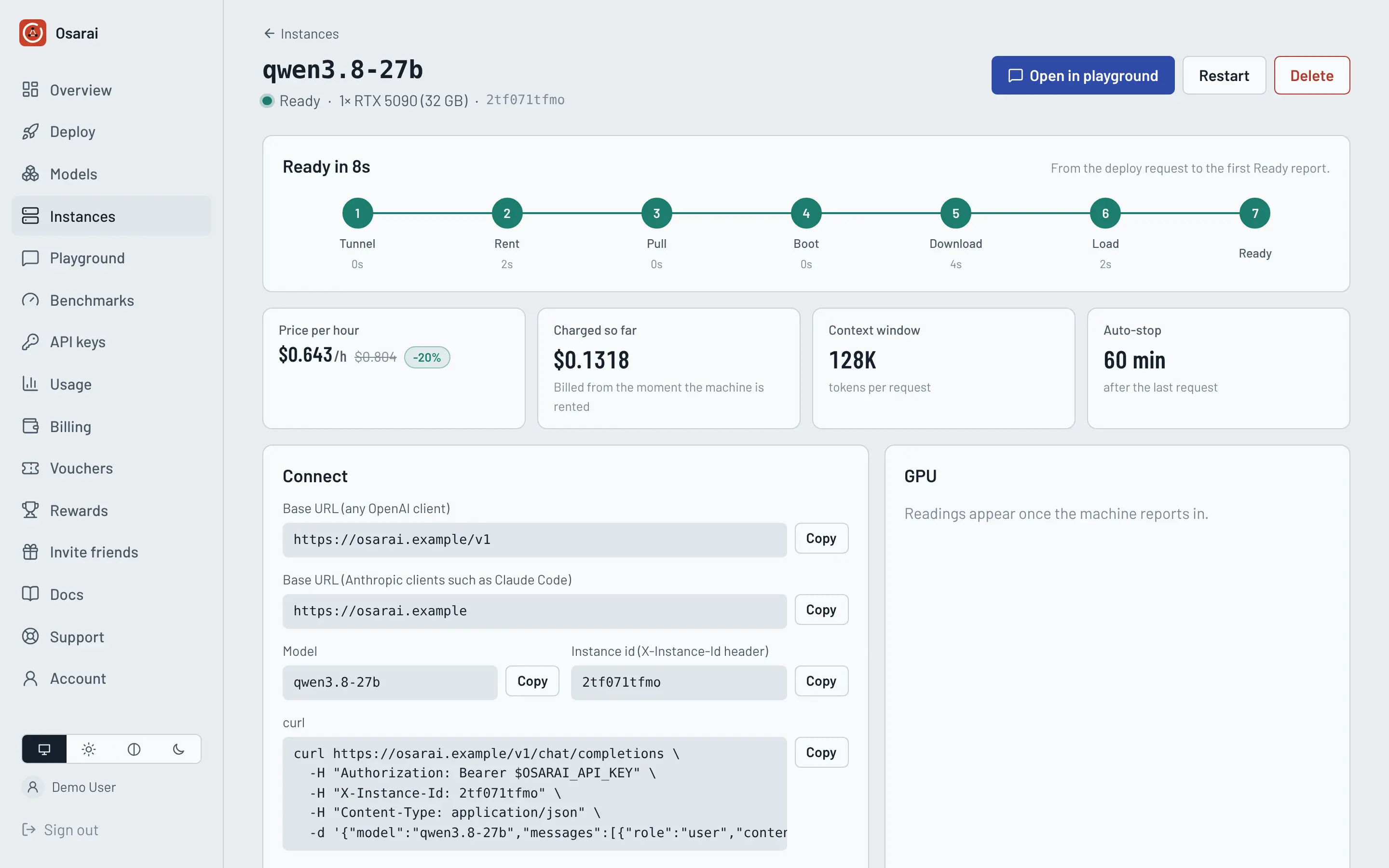
The instance page shows each setup step: renting the machine, pulling the image, downloading the model and loading it. The first start takes 10 to 20 minutes, most of it the download. When the status turns Ready, the model answers requests.
Create an API key
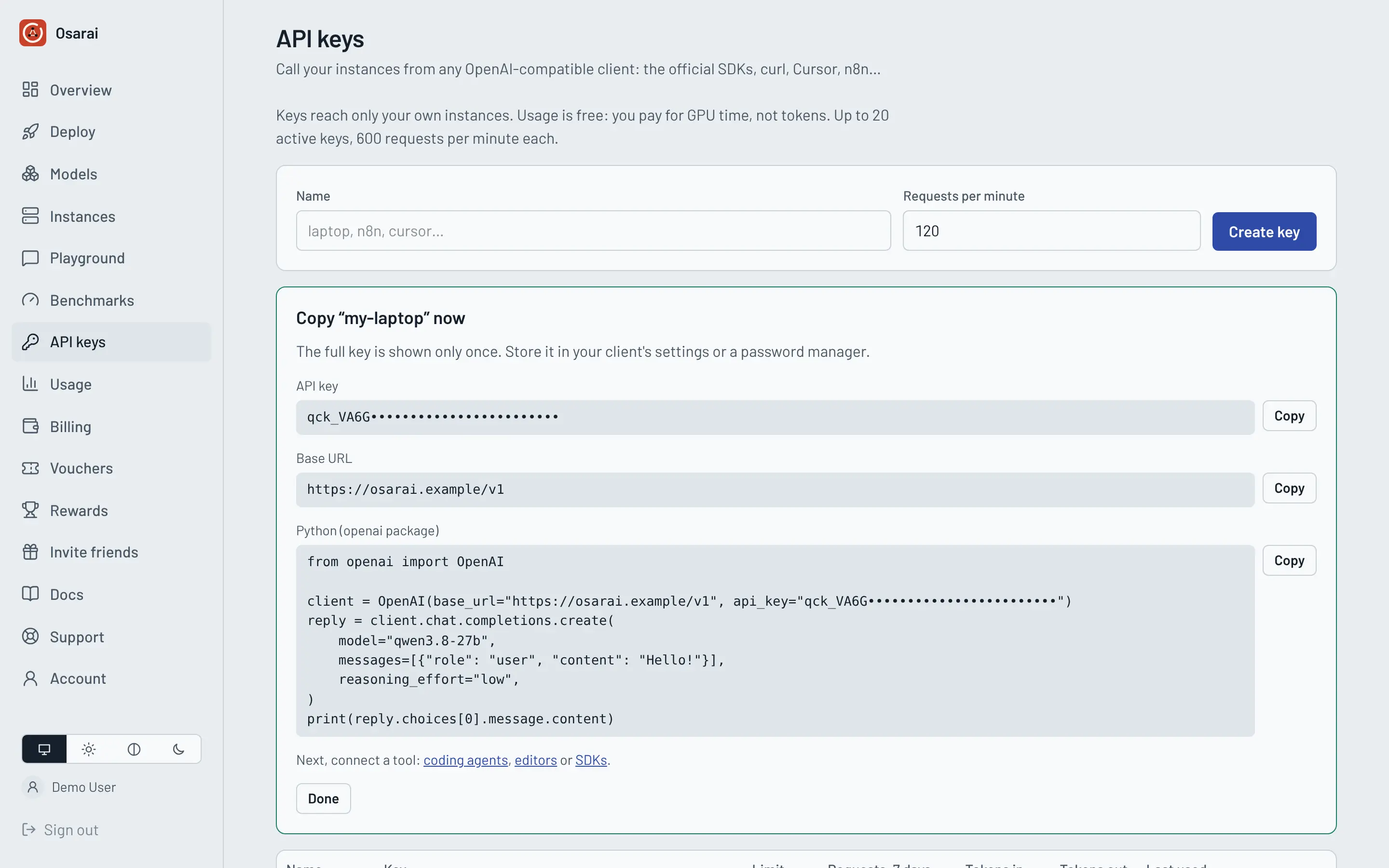
Open API keys, press Create key, give it a name and copy it. The key is shown once; store it in a password manager or your shell profile.
Send a request
export OSARAI_API_KEY="qck_your_key_here"

curl "https://osarai.xyz/v1/chat/completions" \
  -H "Authorization: Bearer $OSARAI_API_KEY" \
  -H "Content-Type: application/json" \
  -d '{"model": "qwen3.8-27b", "messages": [{"role": "user", "content": "Hello!"}]}'
A JSON answer with "object": "chat.completion" means everything works.
Next steps
- Connect a coding agent: opencode, Claude Code, Codex CLI or the others.
- Learn what the model supports in Models and limits.
- Stop paying when you are done: instances stop by themselves after an idle period, or press Stop on the instance page.