DocsCoding agents
Qwen Code
Run Qwen Code, the coding agent built for Qwen models, on your own Osarai GPU through its OpenAI-compatible auth.
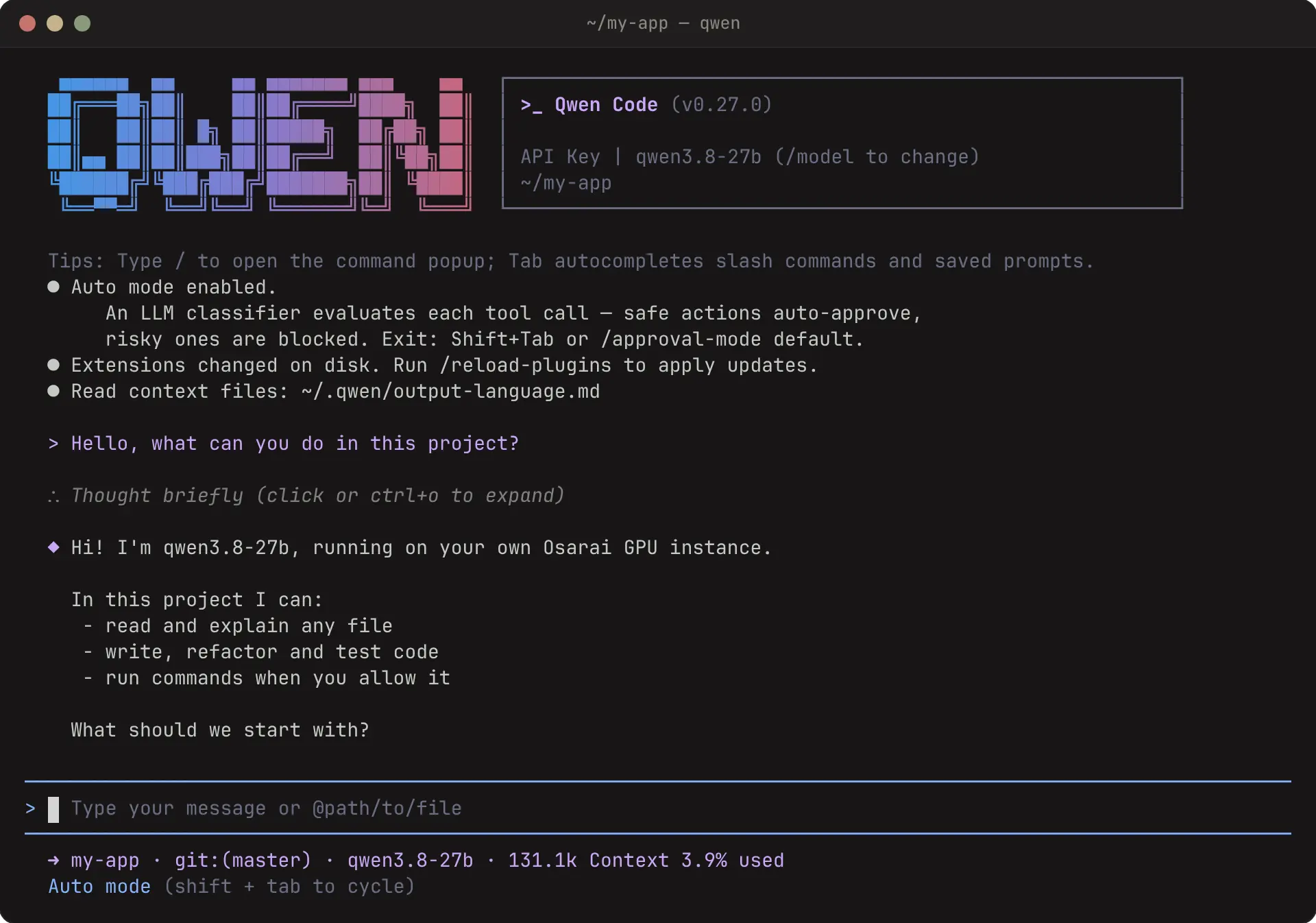
Qwen Code is the Qwen team's coding agent for the terminal. It is tuned for Qwen models, so it pairs well with qwen3.8-27b on your instance, and it talks to Osarai over Chat Completions.
Install
npm install -g @qwen-code/qwen-codebrew install qwen-codeQwen Code needs Node.js 22 or newer.
Configure
Qwen Code uses its OpenAI-compatible auth when three variables are set. Put them in your shell for one session, or in ~/.qwen/.env to keep them:
export OPENAI_API_KEY="$OSARAI_API_KEY"
export OPENAI_BASE_URL="https://osarai.xyz/v1"
export OPENAI_MODEL="qwen3.8-27b"$env:OPENAI_API_KEY = $env:OSARAI_API_KEY
$env:OPENAI_BASE_URL = "https://osarai.xyz/v1"
$env:OPENAI_MODEL = "qwen3.8-27b"OPENAI_API_KEY=qck_your_key_here
OPENAI_BASE_URL=https://osarai.xyz/v1
OPENAI_MODEL=qwen3.8-27bSo that the interactive interface skips the sign-in choice and knows the real context window, add ~/.qwen/settings.json:
{
  "security": { "auth": { "selectedType": "openai" } },
  "model": {
    "name": "qwen3.8-27b",
    "generationConfig": { "contextWindowSize": 131072 }
  }
}
A .qwen/settings.json in your project overrides the one in your home directory, but keep the key in ~/.qwen/.env, not in the project.
Run
cd your-project
qwen
To run one prompt without the interface:
qwen -p "Explain what src/math.ts does"Inside the interface, /stats shows the tokens used so far and /compress summarises the conversation to free context.
Troubleshooting
| Symptom | Fix |
|---|---|
| Qwen Code asks how to sign in | Set the three OPENAI_* variables, or pick OpenAI once; selectedType keeps the choice |
401 | OPENAI_API_KEY holds a key other than your qck_… key, for example an older OpenAI key in your shell |
| It crashes on start in a container | Qwen Code writes to ~/.qwen: make sure HOME points to a directory that exists and is writable |
503 … not ready yet | The instance is still starting; wait for Ready on the instance page |