DocsCoding agents
opencode
Use opencode, the open source terminal coding agent, with your Osarai GPU through an OpenAI-compatible provider.
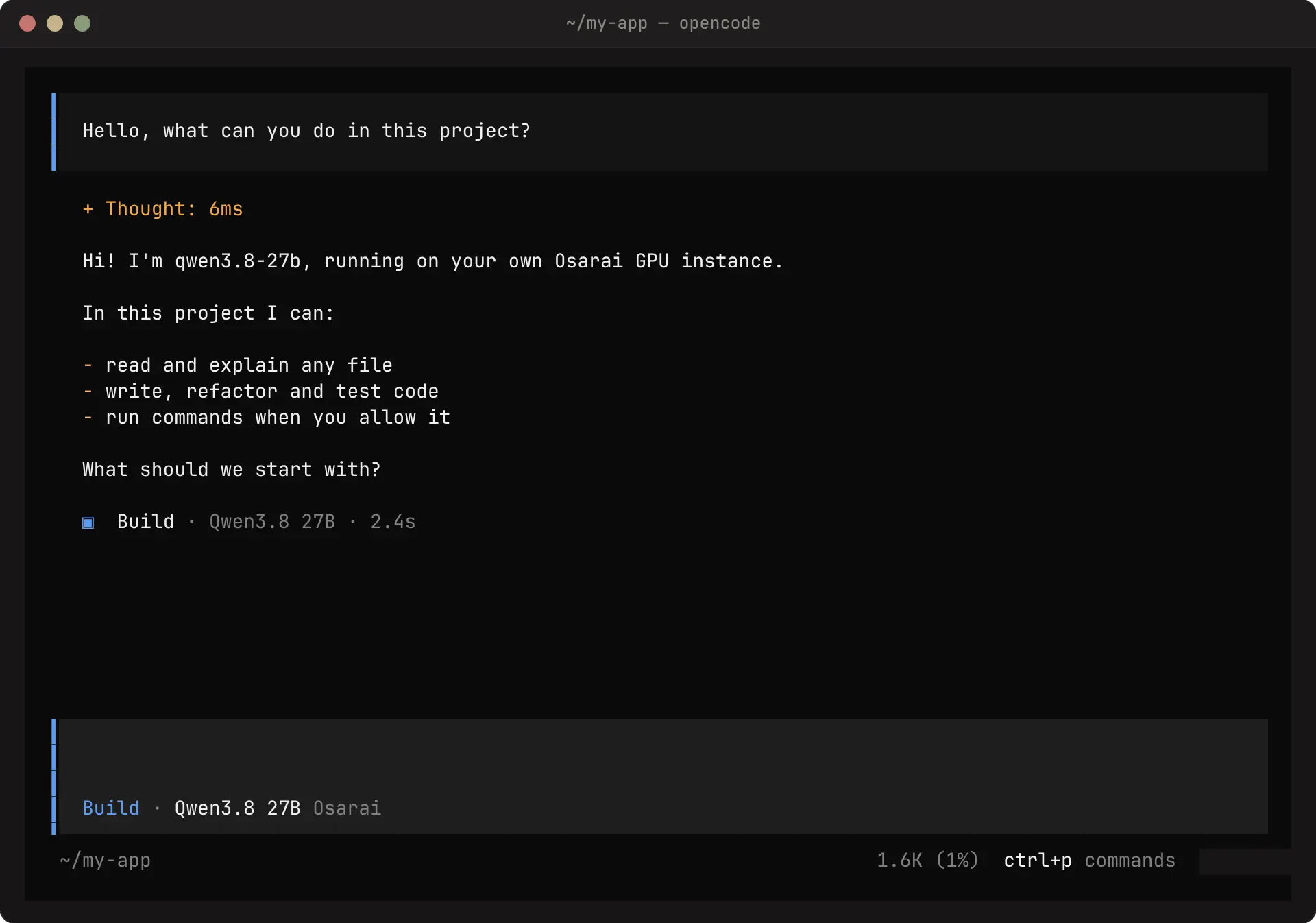
opencode is an open source coding agent with a terminal interface. It talks to Osarai through its OpenAI-compatible provider.
Install
Terminal
npm install -g opencode-aiTerminal
brew install sst/tap/opencodeTerminal
curl -fsSL https://opencode.ai/install | bashConfigure
Create opencode.json in your project (it applies to that project) or ~/.config/opencode/opencode.json (it applies everywhere):
opencode.json
{
  "$schema": "https://opencode.ai/config.json",
  "provider": {
    "osarai": {
      "npm": "@ai-sdk/openai-compatible",
      "name": "Osarai",
      "options": {
        "baseURL": "https://osarai.xyz/v1",
        "apiKey": "{env:OSARAI_API_KEY}"
      },
      "models": {
        "qwen3.8-27b": {
          "name": "Qwen3.8 27B",
          "tool_call": true,
          "reasoning": true,
          "limit": { "context": 131072, "output": 16384 }
        }
      }
    }
  },
  "model": "osarai/qwen3.8-27b"
}{env:OSARAI_API_KEY}reads the key from your environment, so the file holds no secret.limit.contexttells opencode when to compact; set it to your instance's context window.- To add another model you run (for example
gpt-oss-20b), add another entry undermodels.
Run
Terminal
export OSARAI_API_KEY="qck_your_key_here"
cd your-project
opencode
Type a request, or switch models with /models. To run one prompt without the interface:
Terminal
opencode run "Explain what src/math.ts does"Troubleshooting
| Symptom | Fix |
|---|---|
Model not found: osarai/qwen3.8-27b | The key under models must match the part after osarai/ in model |
401 | OSARAI_API_KEY is not set in the shell that started opencode |
503 … not ready yet | The instance is still starting; wait for Ready on the instance page |
| The model never calls tools | Use a model with tool calls (qwen3.8-27b) and keep "tool_call": true |