DocsCoding agents
Kilo Code CLI
Use the Kilo Code CLI with your own Osarai GPU through an OpenAI-compatible provider in kilo.json.
Kilo Code is an open source coding agent for VS Code, JetBrains and the terminal. Its CLI talks to Osarai through an OpenAI-compatible provider over Chat Completions.
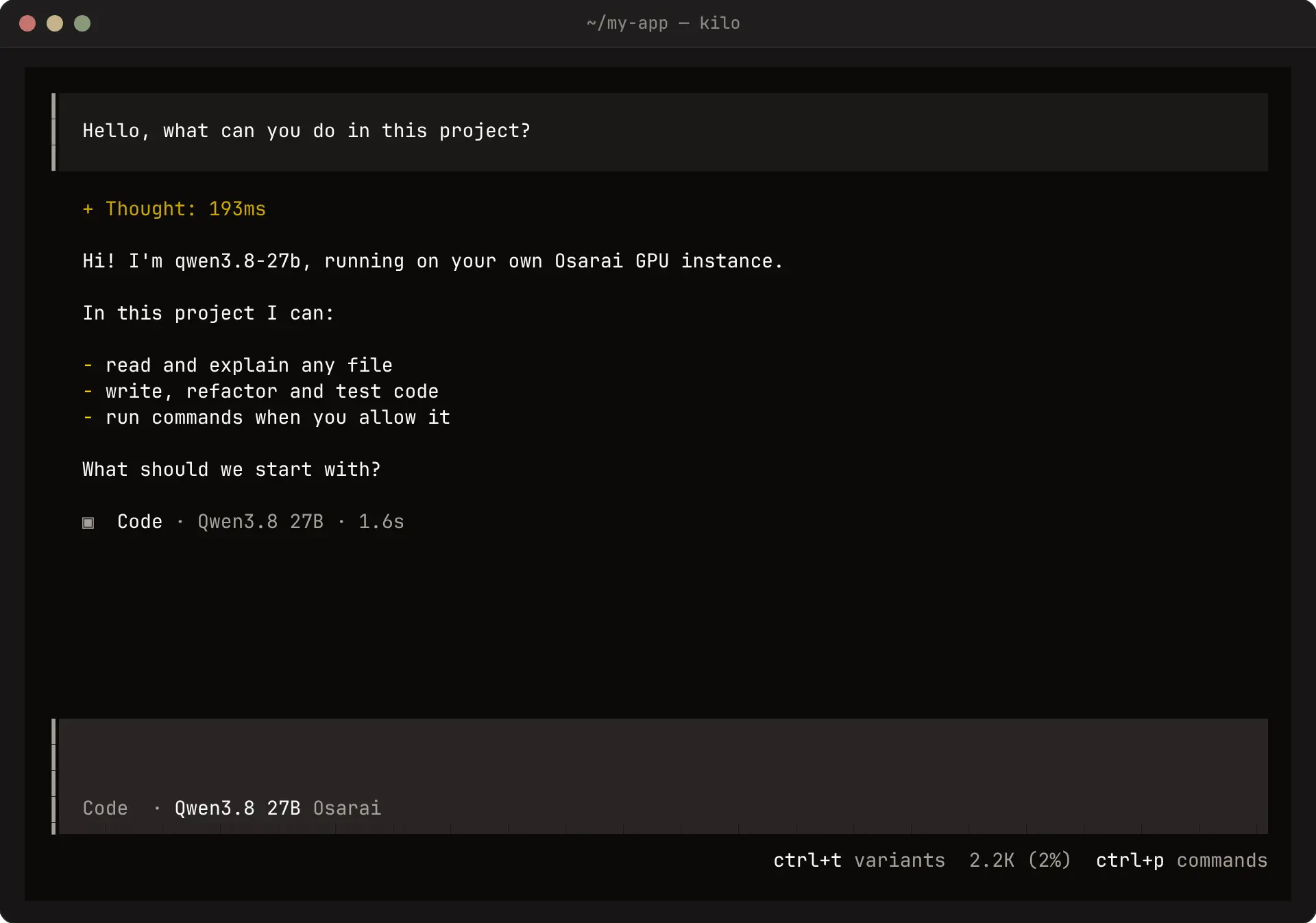
Install
npm install -g @kilocode/cliThe package installs the kilo command (kilocode works too).
Configure
Create the global configuration file, which applies to every project. In our tests the CLI read providers only from this file, not from a kilo.json in the project.
{
  "$schema": "https://app.kilo.ai/config.json",
  "provider": {
    "osarai": {
      "npm": "@ai-sdk/openai-compatible",
      "name": "Osarai",
      "options": {
        "baseURL": "https://osarai.xyz/v1",
        "apiKey": "{env:OSARAI_API_KEY}"
      },
      "models": {
        "qwen3.8-27b": {
          "name": "Qwen3.8 27B",
          "tool_call": true,
          "reasoning": true,
          "limit": { "context": 131072, "output": 16384 }
        }
      }
    }
  },
  "model": "osarai/qwen3.8-27b"
}{env:OSARAI_API_KEY}reads the key from your environment, so the file holds no secret.modelis the provider id, a slash, and the key undermodels.limit.contexttells Kilo when to compact; set it to your instance's context window.
Run
export OSARAI_API_KEY="qck_your_key_here"
cd your-project
kilo
To run one prompt without the interface:
kilo run "Explain what src/math.ts does"In the VS Code extension
The Kilo Code extension can use the same instance: open its settings, add an OpenAI Compatible provider, and enter the base URL https://osarai.xyz/v1, your key and the model id qwen3.8-27b. Set the context window to 131072 in the model's advanced settings.
Troubleshooting
| Symptom | Fix |
|---|---|
The header shows another model (for example claude-sonnet-4.6) | Kilo did not read your provider: put it in ~/.config/kilo/kilo.json |
Model not found: osarai/qwen3.8-27b | The key under models must match the part after osarai/ in model |
401 | OSARAI_API_KEY is not set in the shell that started Kilo |
503 … not ready yet | The instance is still starting; wait for Ready on the instance page |